Warning! Spooky reading
Home
Greetings
Deptford Mice
Wyrd Museum
Deptford Histories
Hagwood
Deathscent
Whitby Witches
Questions
Wallpaper
Sketchbooks
Spoken Words
8 years +

Wallpaper (header)

Download chilling desktop wallpaper!

Click through, or choose from wide-screen wallpaper images taken from Robin's most blood-curdling work, then follow the instructions below to download direct to your desktop.

Portal wallpaper (Win 9x, MacOS)

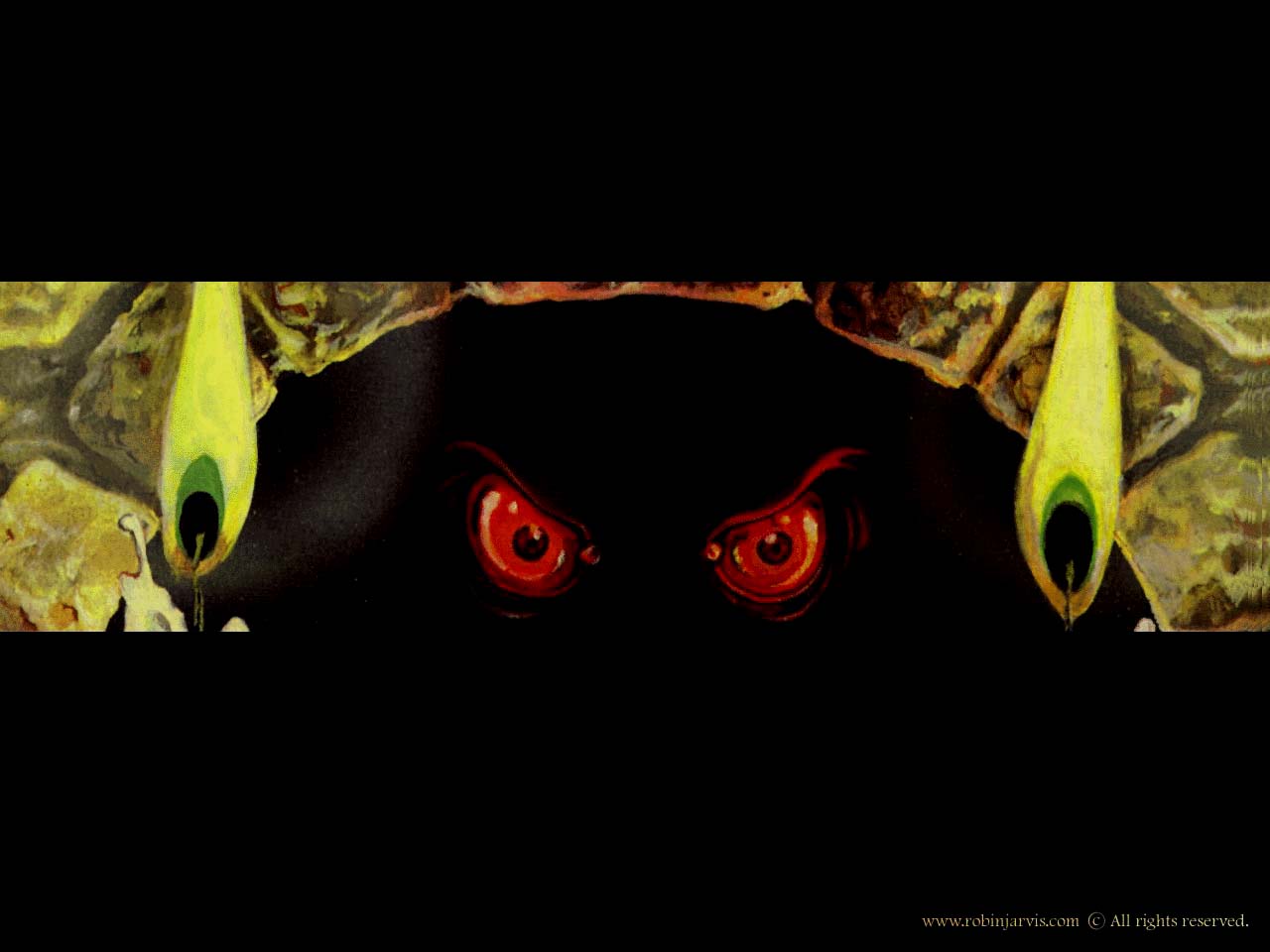
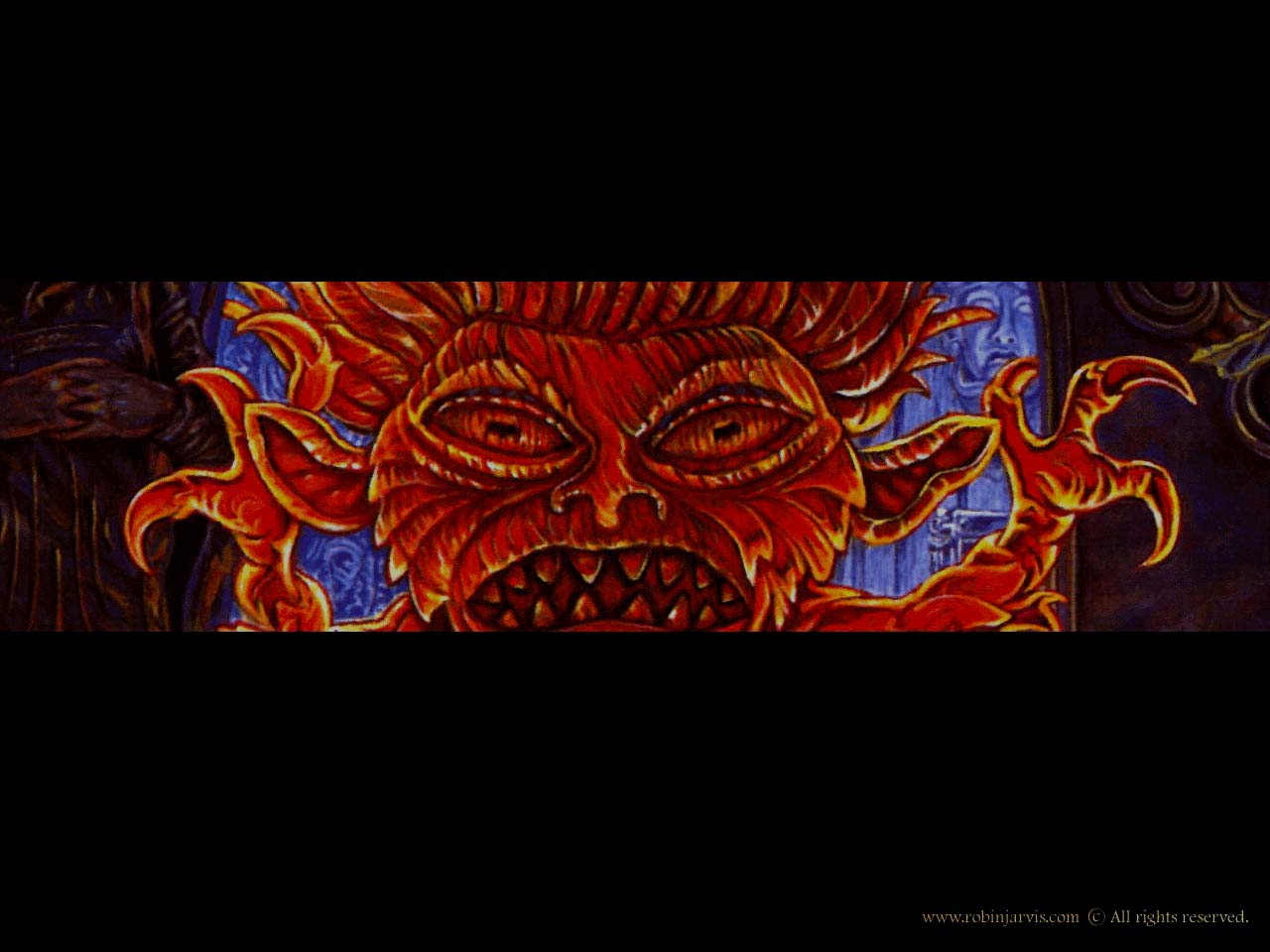
The Dark Portal

Old red eyes, taken from the cover of the first UK edition.

Crystal Prison wallpaper (Win 9x, MacOS)

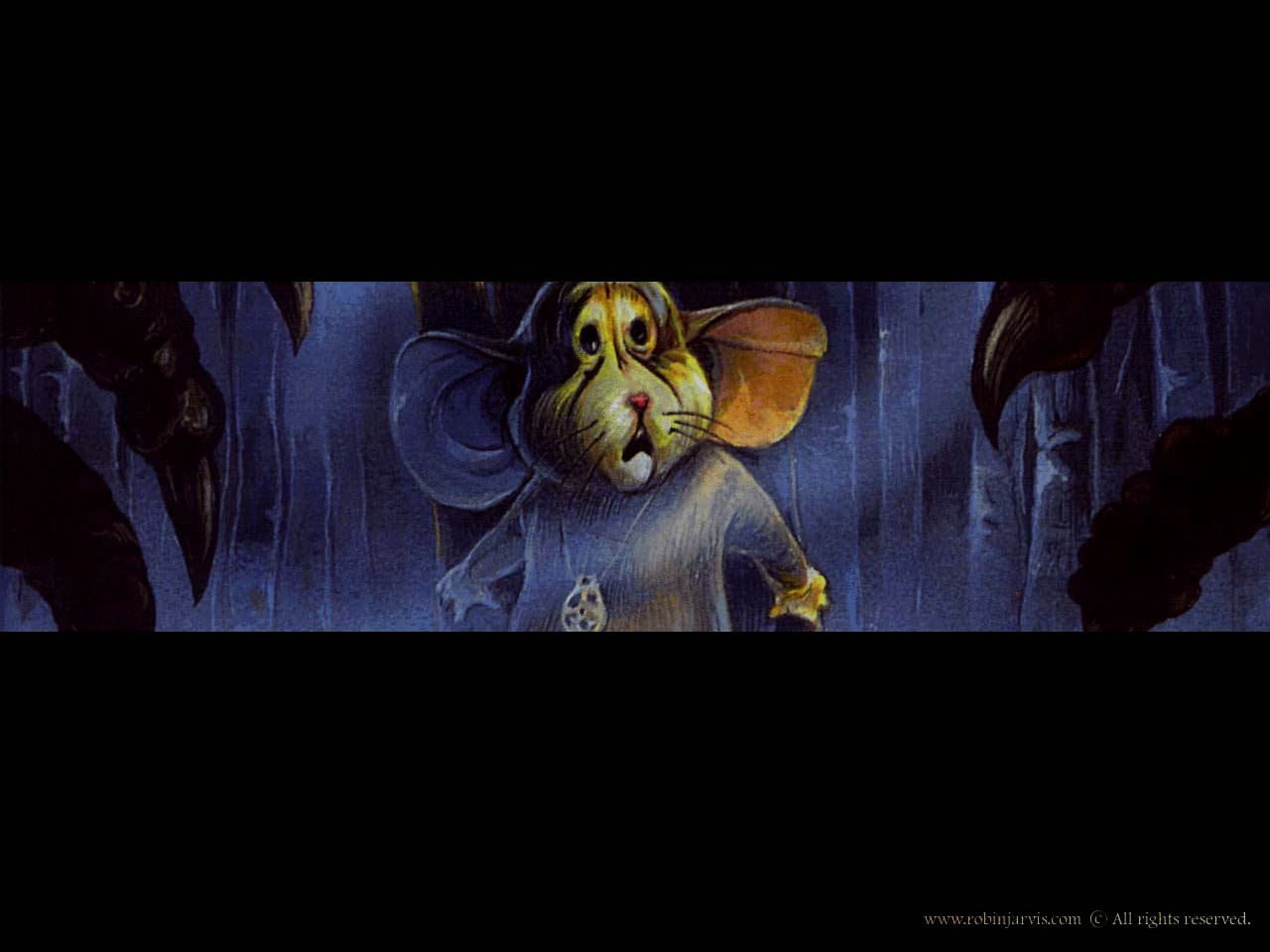
The Crystal Prison

Young Whortle in peril, from the first UK edition.

Alchymist's wallpaper (Win 9x, MacOS)

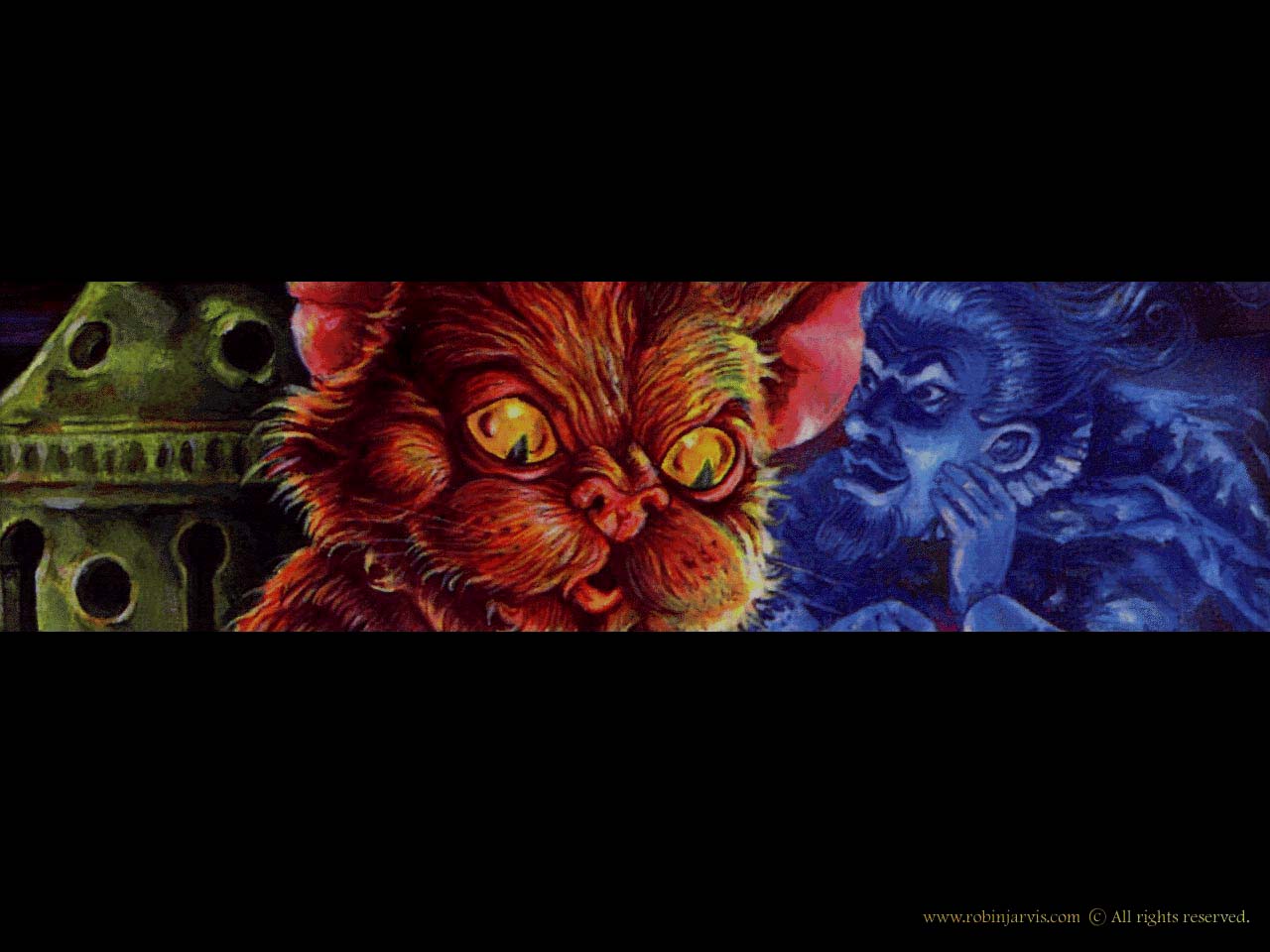
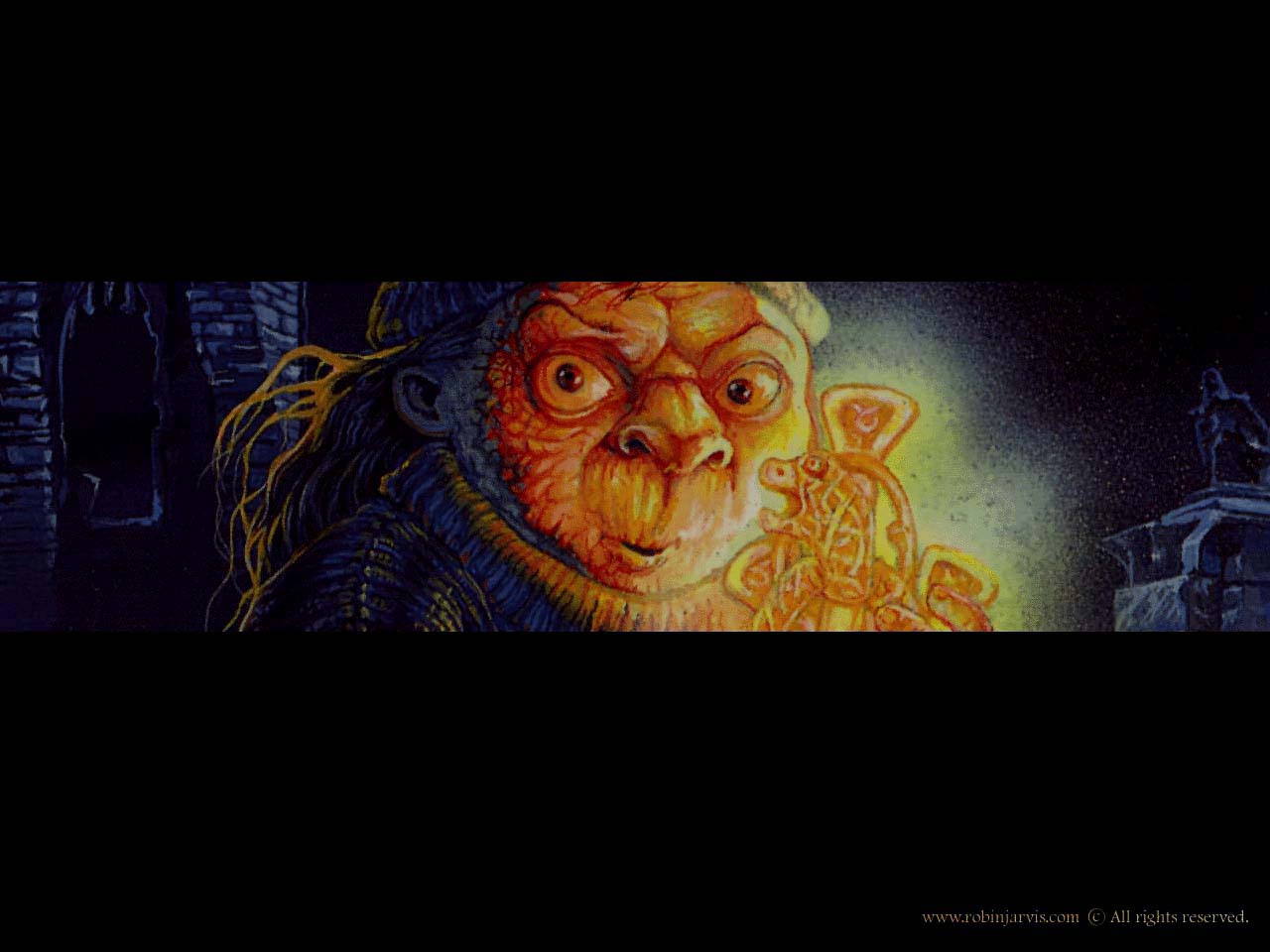
The Alchymist's Cat

The whisperings of Magnus Zachaire, captured from the first UK edition.

Hagwood wallpaper (Win 9x, MacOS)

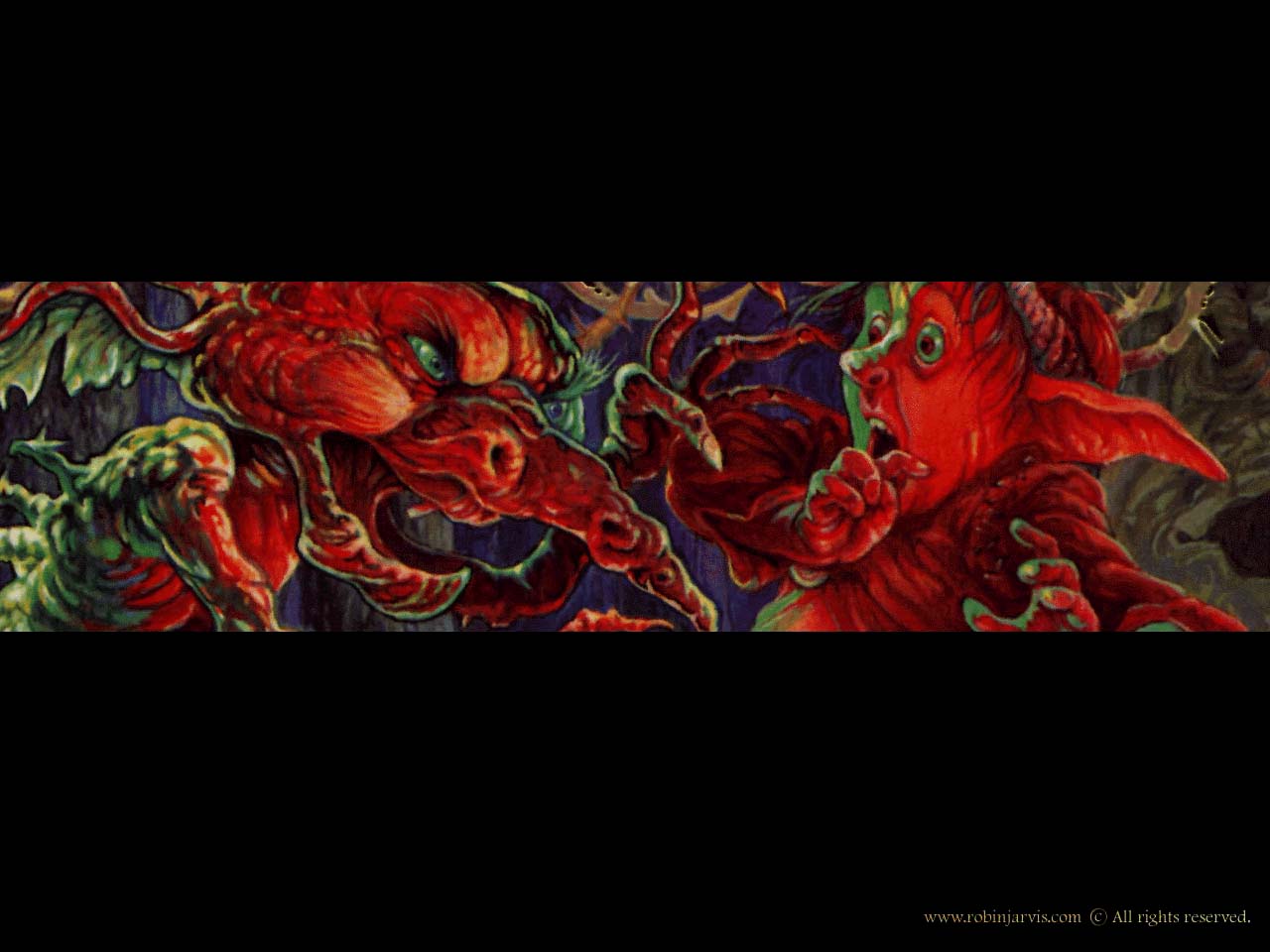
Thorn Ogres of Hagwood

Snaggart, the thorny imp attacks Finnen Lufkin on the front of the UK edition.

Whitby wallpaper (Win 9x, MacOS)

The Whitby Witches

Nelda and the guardian of Irl from the first UK edition of A Warlock in Whitby.

Wyrd wallpaper (Win 9x, MacOS)

The Wyrd Museum

Let Gogus loose on your computer. From the UK edition of The Fatal Strand.

How to download Desktop Wallpaper

For Windows 95/98/NT Choose your favorite wallpaper image above and click with the mouse. The large size image will now load. When complete, click over it with the right mouse button, and from the pop-up menu, choose the "Set as wallpaper" option.

For Macintosh Operating System 8 Choose your favorite wallpaper image above and click on it with the mouse. Once the large size version has loaded, mouse-click over the image, but continue to hold the button down. From the new pop-up menu, select "Save This Image As" and save it to your desktop. From the Apple menu, select "Control Panels" then "Appearance". Selecting the "Desktop" tab, choose and click on "Place Picture" selecting the picture you have just saved. Now click on the "Set Desktop" button.

For Macintosh Operating System 7 Choose your favourite wallpaper image above and click on it with the mouse. Once the large size version has loaded, mouse-click it. From the pop-up menu select "Save This Image As," saving it to your computer's desktop. Now open the JPEG in an image-viewing program, and choose "Select all" Now choose copy from the program's edit menu, and select "Control Panels" from the Apple menu. Select "Desktop Patterns", and choosing "Paste" from the "Edit" menu - click on the "Set Desktop Pattern" button.

For Windows 3.X Choose your favorite wallpaper from the special list BELOW, and click on it. Save the file to the folder "C:\Windows" on your computer. Open Control Panels, then Desktop. Under the wallpaper selections shown in the pull-down box, choose the file you have just downloaded. Now select "Center" or "Tile", and click OK.

Dark Portal wallpaper (Win 3.x)

Crystal Prison wallpaper (Win 3.x)
Alchymist's Cat wallpaper (Win 3.x)
Hagwood wallpaper (Win 3.x)
Whitby Witches wallpaper (Win 3.x)
Wyrd Museum wallpaper (Win 3.x)

Return to Robin Jarvis home page

[Home] [ Greetings ] [ Deptford Mice ] [ Wyrd Museum ]
[
Deptford Histories ] [ Hagwood ] [ Deathscent ]
[
Whitby Witches ] [ Questions ]
[
Wallpaper ] [ Sketchbooks ]

© 2004. Robin Jarvis. All rights reserved All

© 1980 -2000, Robin Jarvis

rights reserved